What is Beam?
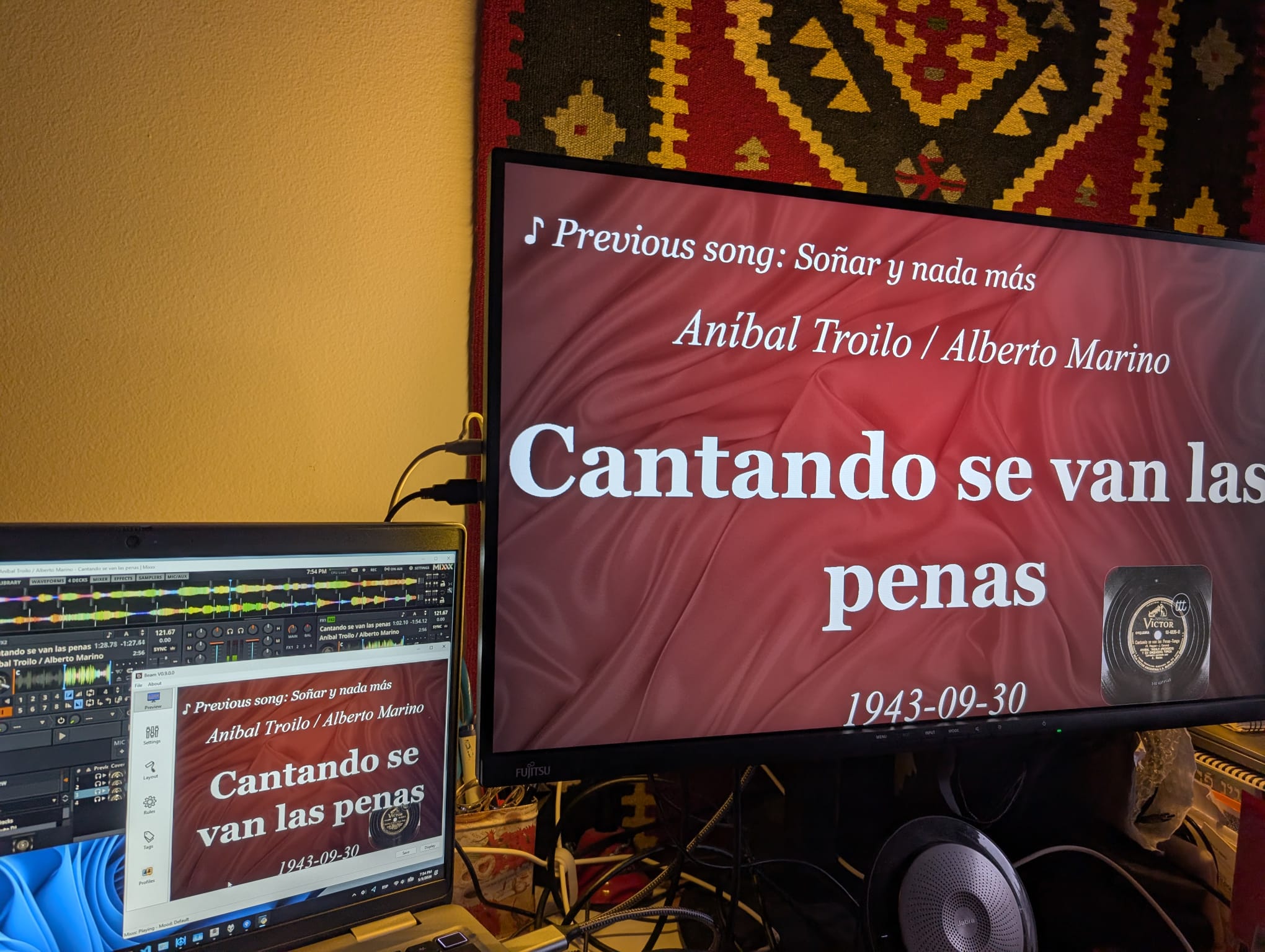
Beam shows the current tango, cortina, and next-tanda information on a second screen, projector, TV, or any browser on your local network. It reads what your music player is playing and puts it on screen for the dancers: artist or orchestra, title, year, the previous song, and more.
It is made for milongas and tango events, but it works anywhere you want a clean, live “now playing” display. If you can start your music player and use a settings window, you can use Beam.
More: All downloads · Getting Started
Features
- Works with many popular music players, plus a system-wide Now Playing source
- Moods that change the look automatically, with timed moods for cues
- Rich backgrounds: color, image, slideshow, artist overlays, cover art
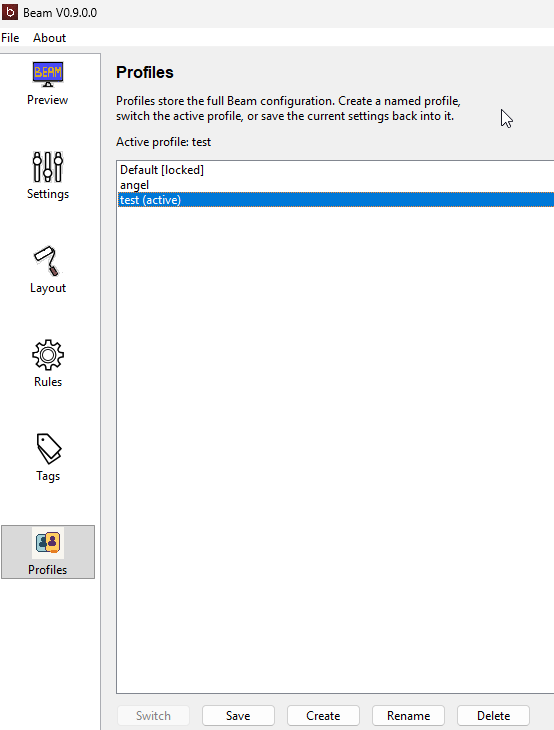
- Profiles for different venues, DJs, and event styles
- Browser / network display for phones, tablets, and side screens
- Live display controls: temporary messages and instant blackout
- Played history: auto-saved setlist of the night
- A built-in log viewer for quick troubleshooting
Works with your players
Foobar2000, VirtualDJ, JRiver, Mixxx, MediaMonkey, AIMP, iTunes, Spotify, Icecast, and native macOS/Linux players. The Now Playing source follows almost any app through the operating system’s media session — no account or API key needed.
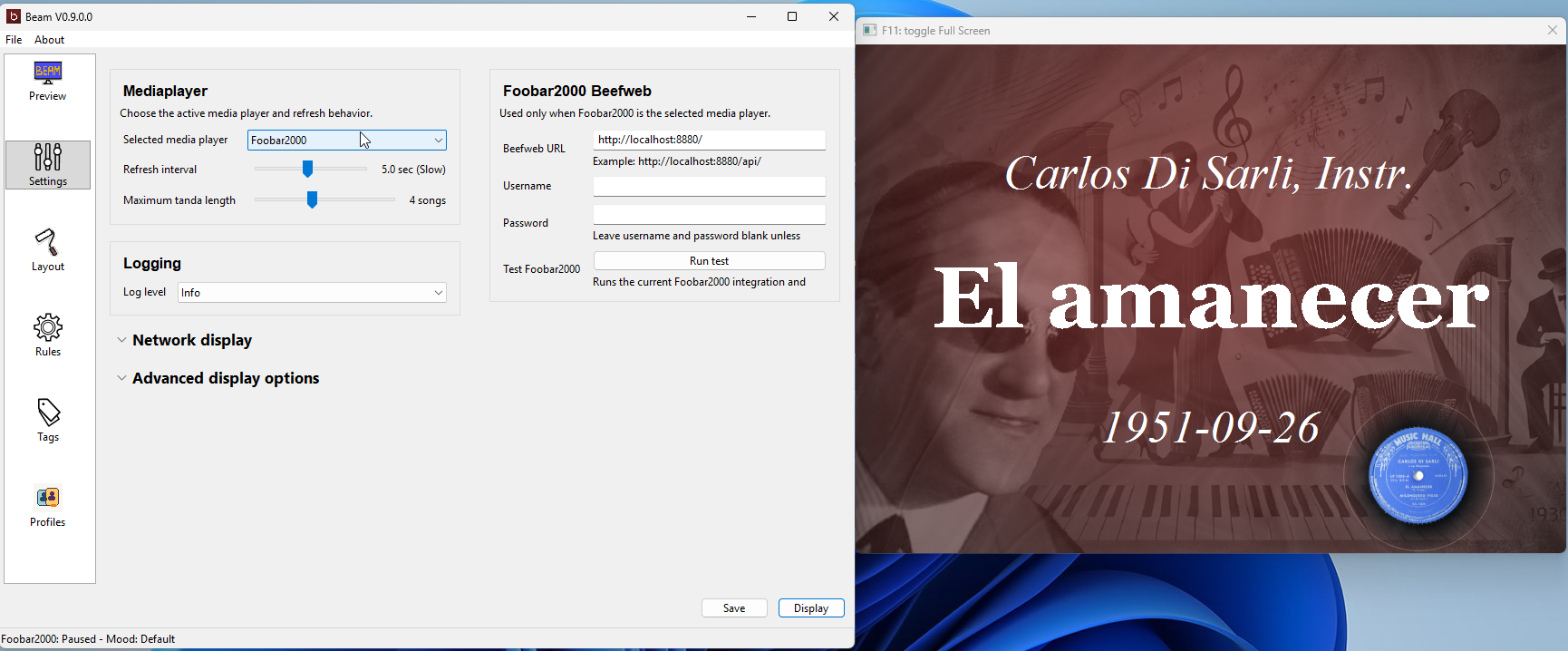
See the full support matrix → Player Support.
Moods and timed messages
Moods switch the display style automatically based on the song or playback state.
A timed mood keeps a special layout on screen for a few seconds — perfect for a
LAST TANDA cue that returns to normal on its own.
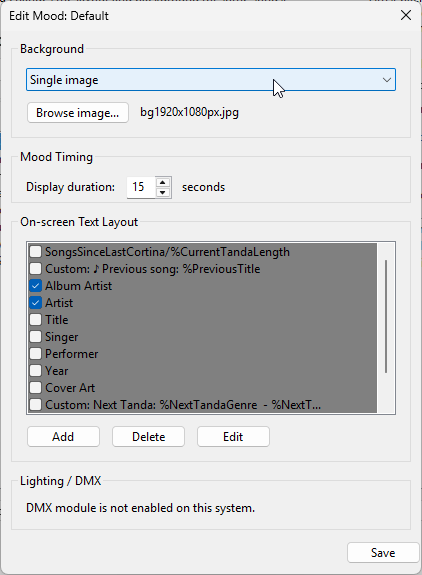
More → Moods and Backgrounds.
Backgrounds and cover art
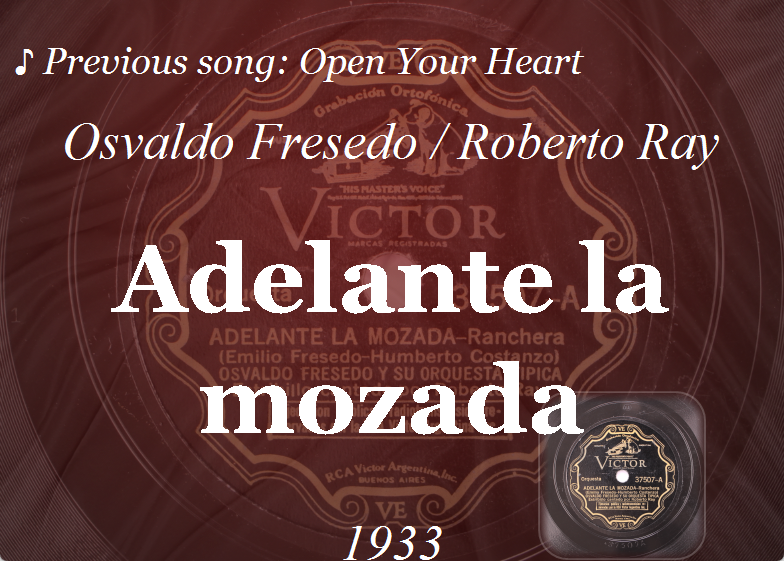
Use solid colors, single images, or rotating slideshows. Add a per-orchestra background layer, or use album cover art as the background — with the real aspect ratio, optional outline, rounded corners, and opacity.
Browser and tablet display
Publish the same live screen to any phone, tablet, or browser on your Wi-Fi — with low latency and several devices at once. Great for a tablet at the DJ table or a small side display.
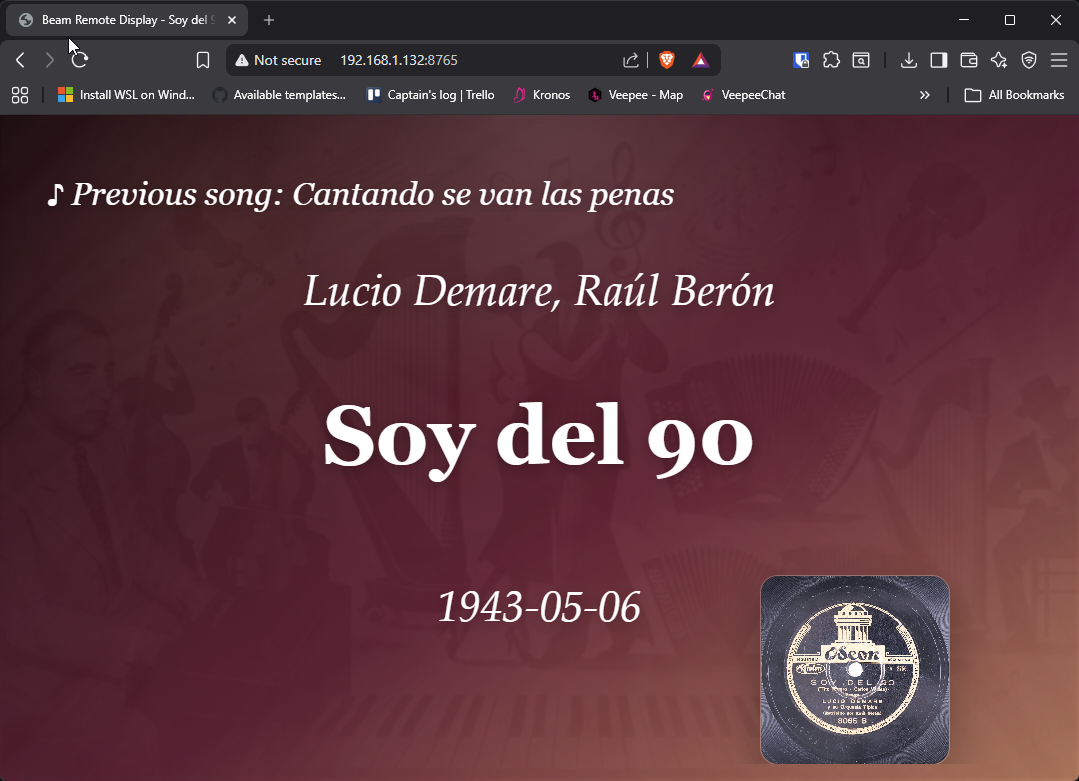
More → Network Display.
Live display controls
Instant, manual control of the projected screen during an event: show a centered
temporary message (5–60 seconds) for cues like BREAK - BACK IN 10 MINUTES, or
black out the display and resume — without stopping the music, moods, or rotation.
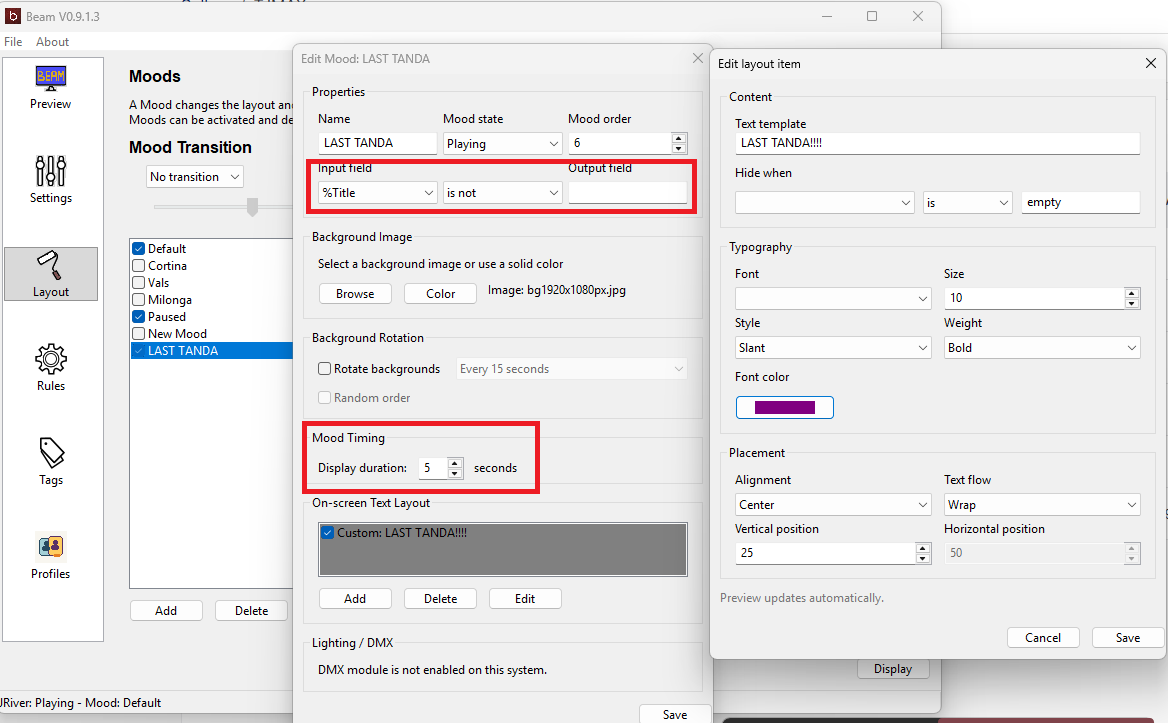
More → Live Display Controls.
Profiles
Keep separate, named setups for different venues, DJs, or nights — a formal milonga, a practica, or a browser-only configuration.
Rules and played history
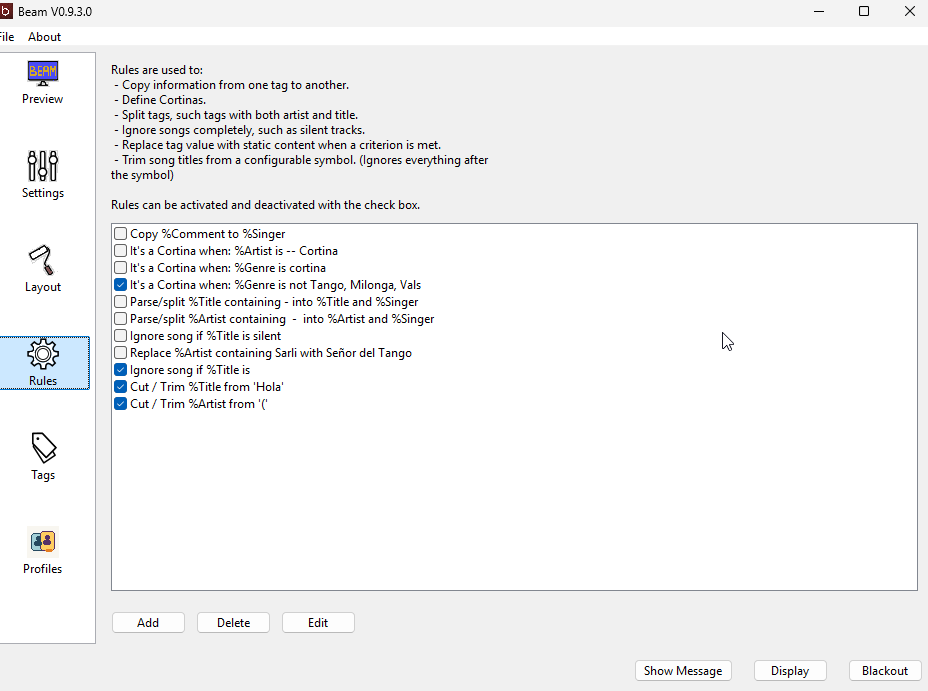
Rules clean up messy metadata: detect cortinas, split combined artist/title text, ignore unwanted tracks, or trim trailing text from titles. Beam can also auto-save a setlist of every track you play as text, CSV, and a best-effort M3U8 playlist.
Documentation
- Download
- Getting Started
- Features
- Player Support
- Network Display
- Live Display Controls
- Moods and Backgrounds
- Troubleshooting
- Changelog
Project status
Beam is a further developed and maintained fork of the original beam-project.
See what’s new since then: Beam release notes
Found a bug or have a suggestion? Please open an issue: https://github.com/MrNidnan/beam-project/issues
This fork is licensed under the GNU General Public License, version 2 or later.